\\
MENUPoco M6 Frp Bypass Unlock Tool May 2026
Bypassing Factory Reset Protection (FRP) on a POCO M6 can be done using professional PC software like UnlockTool or through "No PC" manual methods. Method 1: Using UnlockTool (PC Required)
UnlockTool is a popular paid professional service software used to bypass FRP on Xiaomi/POCO devices with a single click.
Preparation: Install the necessary Xiaomi USB drivers on your PC and open the UnlockTool software (account login required).
Select Model: In the software, go to the Mi or Xiaomi tab and search for POCO M6 or POCO M6 Pro 5G.
Connection (Brom/EDL Mode): Power off your device. Hold the Volume Up + Volume Down buttons simultaneously and connect the phone to the PC via a USB cable.
Execute Unlock: Once the tool detects the device (often listed as Mediatek or Qualcomm depending on the specific M6 variant), click on [BROM] Erase FRP. The process typically takes less than a minute. Method 2: Manual Bypass (No PC)
Manual methods often involve using accessibility features to reach settings or a browser. These steps may vary slightly depending on your HyperOS or MIUI version.
TalkBack Shortcut: On the "Connect to Wi-Fi" screen, press and hold both Volume buttons to turn on TalkBack.
Voice Commands: Draw an inverted 'L' on the screen and select "Use voice commands". Say "Open Google Assistant" followed by "Open YouTube".
Access Settings: From YouTube, go to Settings > About > Google Privacy Policy to open the browser. Search for an FRP bypass site (like HardReset.info) to access the "Open Settings" shortcut.
Disable Setup: In Settings, navigate to Additional Settings > Accessibility > Accessibility Menu and turn it on. Use this menu or the search bar to find "Google Play Services" and Disable it temporarily to bypass the setup wizard.
Important Safety Warning: Bypass methods are intended for users who have forgotten their own credentials. Removing Google Account verification will erase all data on the device.
Factory Reset Protection (FRP) is a security feature that locks a Poco M6 if it is reset without first removing the Google account. You can bypass this lock using specialized software tools or manual "no-PC" methods that exploit settings loopholes. 🛠️ Recommended Unlock Tools
Professional technicians often use paid software for a "one-click" solution. These tools typically require putting the phone into EDL (Emergency Download) Mode or Fastboot Mode. poco m6 frp bypass unlock tool
UnlockTool: Widely considered the industry standard; supports "Erase FRP" for Poco M6 models with a single click.
EasyJTAG Plus: A hardware-based tool used for advanced "ISP Pinout" unlocks if USB software methods fail.
SamFirm / Chimera Tool: Often used to trigger the browser or settings menu on Xiaomi/Poco devices. 💡 Manual Bypass Methods (No PC)
If you don't want to use paid software, manual exploits are often available for newer Android versions (Android 14/15):
Keyboard Shortcut: Accessing Google Assistant via the "Talkback" feature to open the browser.
Messaging Exploit: Sending a text with www.youtube.com, clicking the link, and using the YouTube app to jump into Chrome Settings.
Settings Loophole: Once in settings, users often search for "Second Space" or "Activity Launcher" to bypass the setup wizard.
Share Option: If available, using the "Share" menu on the setup screen to launch apps like Shortcut Maker. ⚠️ Important Considerations
Data Loss: Hard resetting to reach the FRP screen already wipes all user data.
Security Updates: Google frequently patches these loopholes; a method working in early 2025 might be blocked by 2026 updates.
Account Removal: The only official way to avoid FRP is to manually remove the Google account in Settings > Accounts before performing a factory reset.
📍 Note: Bypassing FRP on a device you do not own may be illegal. These tools are intended for users who have forgotten their own credentials. To help you find the right steps, let me know: Which Android version is your Poco M6 running?
How to Bypass FRP on POCO M6 (MIUI 14 & HyperOS Guide) Getting stuck on the Google Account Verification Bypassing Factory Reset Protection (FRP) on a POCO
screen after a factory reset is a common headache for POCO M6 owners. This security feature, known as Factory Reset Protection (FRP)
, is designed to keep your data safe, but it can be a major hurdle if you've forgotten your login credentials. Whether you are running or the newer
, here are the most effective ways to regain access to your device.
Method 1: The "No PC" Manual Bypass (Recommended for 2025/2026)
This is currently the most popular method because it doesn't require extra software or a computer. It relies on navigating through the system settings using accessibility shortcuts. Initial Setup
: Turn on your POCO M6 and connect to a stable Wi-Fi network Enable TalkBack : Hold the Volume Down buttons simultaneously until the TalkBack prompt appears. Open Google Assistant
: Draw a reversed "L" shape on the screen to open the voice command menu. Say "Open Google Assistant" followed by "Open YouTube". Access Browser
: In YouTube, tap the profile icon > Settings > About > YouTube Terms of Service. This will launch the Chrome browser. Settings Menu : Search for a trusted FRP bypass website (like HardReset.info ) to access the "Open Settings" shortcut. Second Space or Reset For HyperOS : Look for Second Space
in Additional Settings. If available, create a second space, which often bypasses the primary account lock. For MIUI 14 : Try the "Apps" method to disable Google Play Services Android Setup temporarily to skip the login screen.
Method 2: Professional Unlock Tools (Fastest for Technicians)
If the manual method is too complex, professional software can remove the lock with a single click.
: Specifically mentioned as a working solution for POCO M6 password and FRP resets on newer security patches Unlock Tool (Digital License)
: A widely used technician tool that supports POCO M6. You must put the phone into BROM/EDL mode How it works: Uses ADB commands to reset
(often requiring a specific button combination or test points) for the software to "Erase FRP". Key Troubleshooting Tips
5. Legal Concerns in Some Regions
In jurisdictions with strict anti-circumvention laws (e.g., Germany’s UrhG, US DMCA Section 1201), bypassing FRP on a device you don’t own could be illegal.
1. SamFw FRP Tool (PC – Windows)
Originally designed for Samsung, SamFw has expanded to support many MediaTek and Qualcomm devices, including the Poco M6 (especially the MTK variant).
- How it works: Uses ADB commands to reset FRP settings via a hidden test menu.
- Success rate: High on Android 13, moderate on Android 14/HyperOS.
- Cost: Free version available with limitations; paid version for auto-bypass.
Comparison Table: Which Tool Should You Use?
| Tool Name | Price | Requires PC? | Success Rate on Poco M6 | Safety | | :--- | :--- | :--- | :--- | :--- | | MTK Bypass Utility | Free | Yes (Windows/Linux) | 90% (if drivers work) | High (Open Source) | | SamFRP Tool | Paid ($20-$30) | Yes | 95% | High | | UnlockTool (NCK) | Paid (Credit based) | Yes | 98% | High (Professional) | | APK Bypass Apps | Free | No | 5% (Patched by Google) | Very Low | | Test DPC Method | Free | No | 0% (Blocked on Android 14) | Medium |
The Procedure:
Step 1: Prepare the Poco M6
- Ensure the phone is powered OFF completely.
- Do NOT press Volume buttons yet.
Step 2: Install Drivers on PC
- Disable Windows Driver Signature Enforcement (Shift + Restart).
- Install MTK USB VCOM drivers.
Step 3: Launch the Tool
- Open the MTK Bypass Tool executable (Run as Administrator).
- Click "Disable FRP" (or "Bypass").
Step 4: Connect the Phone
- Hold the Volume Up or Volume Down button (Try both; for Poco M6, Volume Up is standard for Brom).
- Plug the USB cable into the phone.
- Critical: The screen must remain BLACK. Do not let it vibrate into boot mode.
Step 5: Execution
- The PC should detect "Preloader" or "BROM." The tool will write a dummy FRP partition.
- After the tool says "Done," unplug the phone.
Step 6: Reboot
- Force restart the phone (Hold Power + Volume Down for 15 seconds).
- The Setup Wizard should now skip the Google login screen.
Part 3: The Most Effective Poco M6 FRP Bypass Methods (2026 Edition)
Q5: Where can I download a safe Poco M6 FRP bypass tool?
Only from reputable sources: the official GitHub of MTK Bypass, SamFw.com, or authorized resellers of iMyFone/Tenorshare. Avoid "cracked" versions from YouTube descriptions.
Step-by-Step: How to Use the MTK Bypass Tool on Poco M6
If you want the highest success rate, follow this guide for the MTK Bypass Tool. Disclaimer: Use this only for legally owned devices.

Poco M6 Frp Bypass Unlock Tool May 2026
Decision support across every step, from detection follow-up in CT and X-ray scans.
Poco M6 Frp Bypass Unlock Tool May 2026
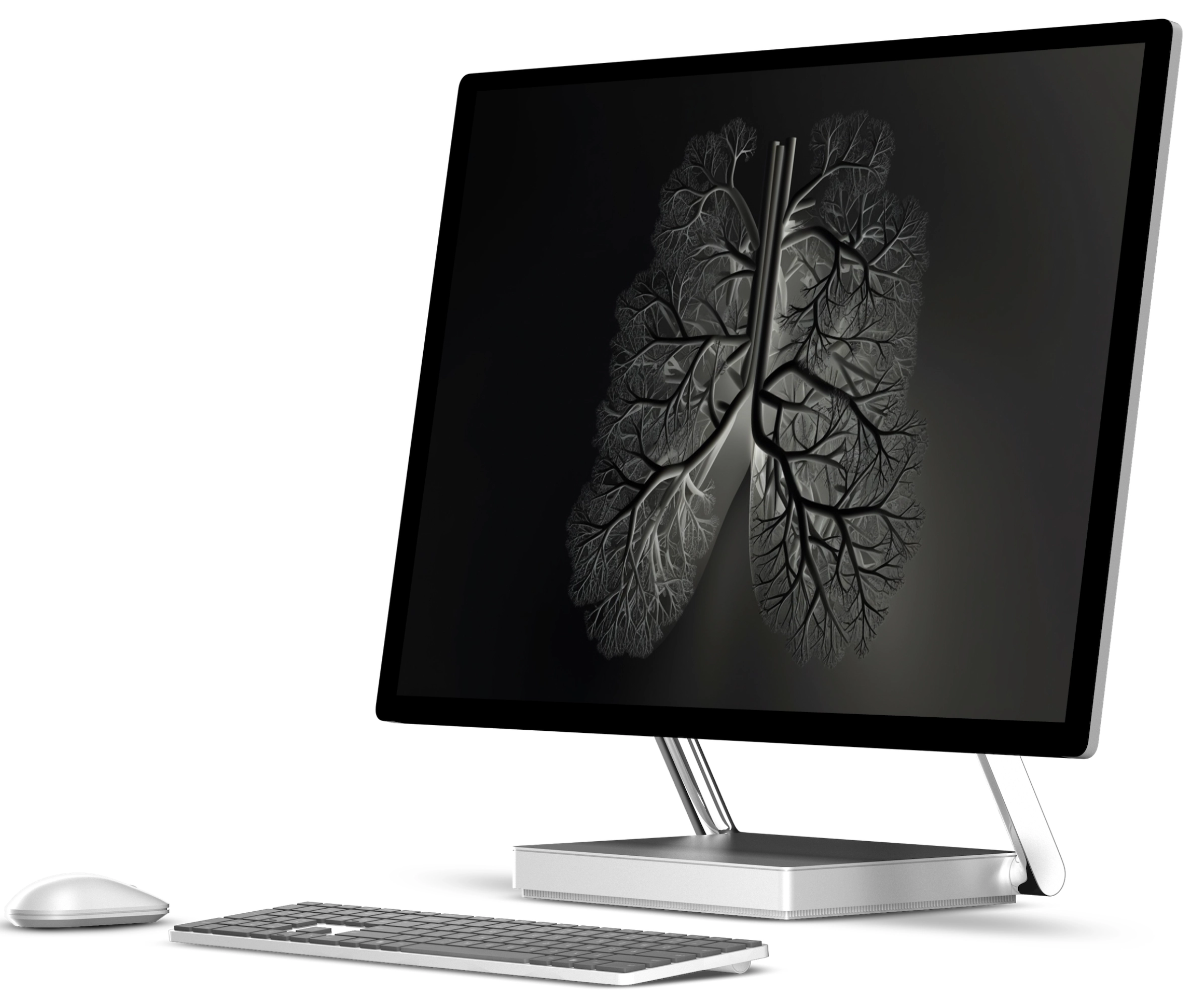
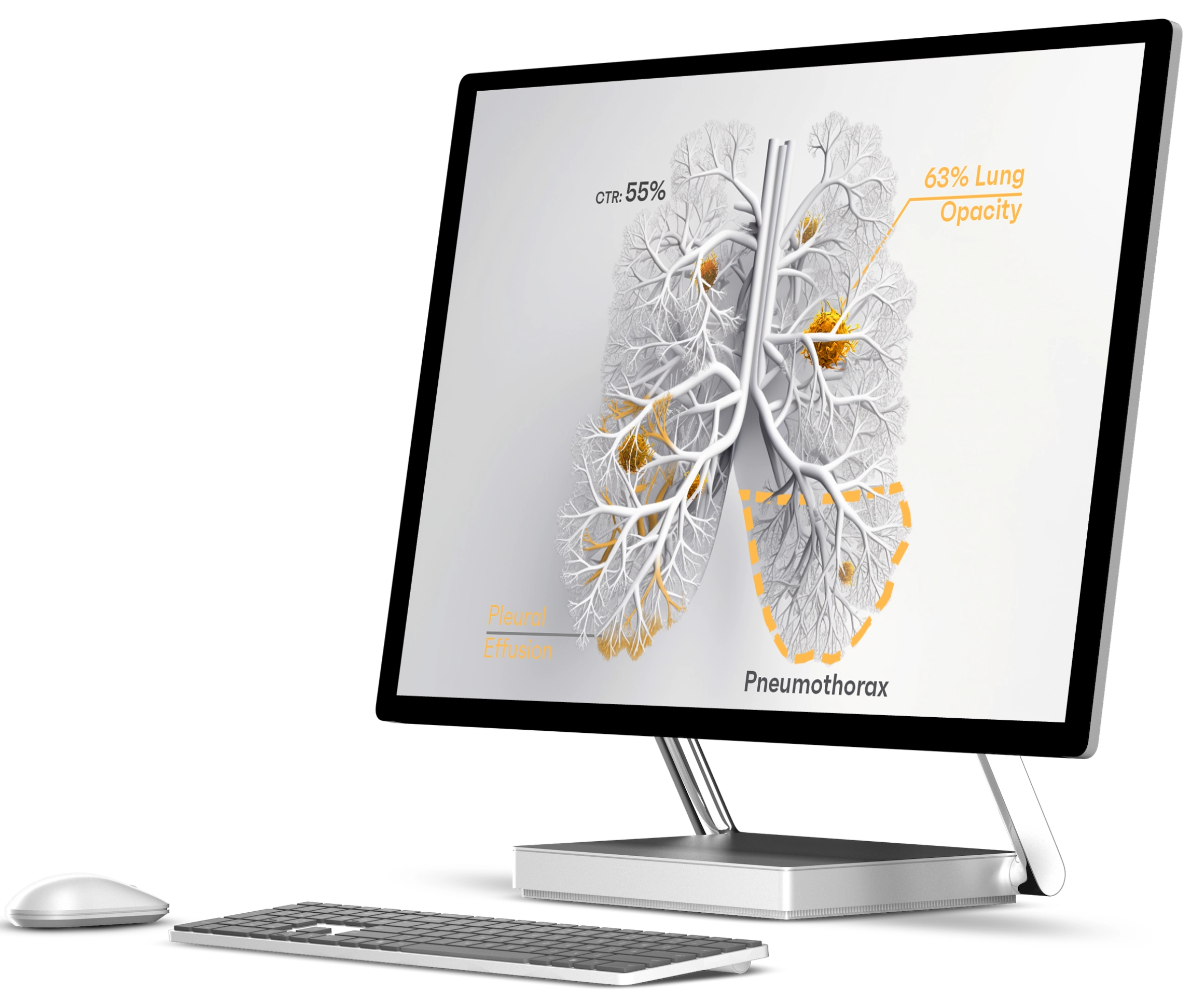
RAYSCAPE
CXR
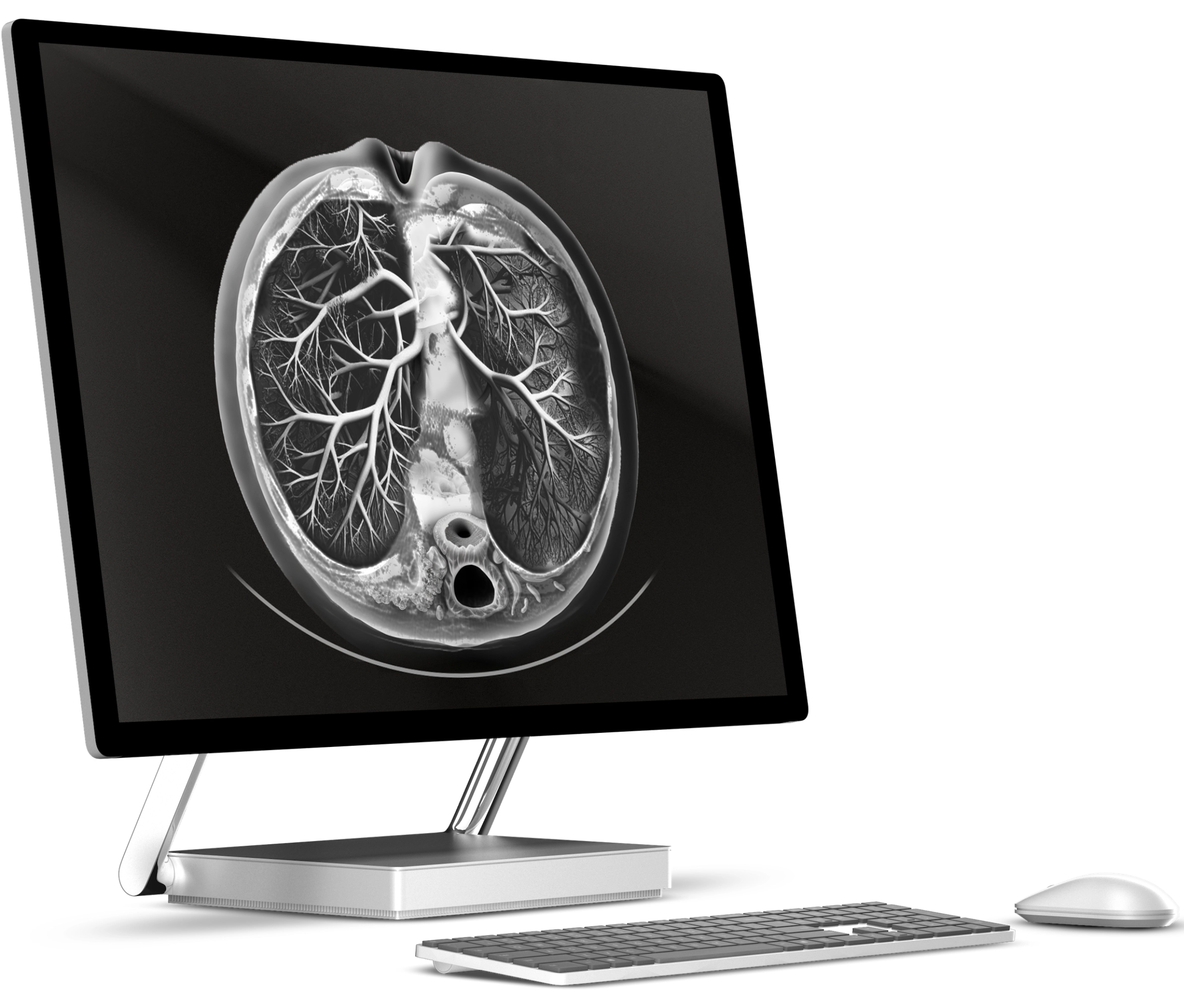
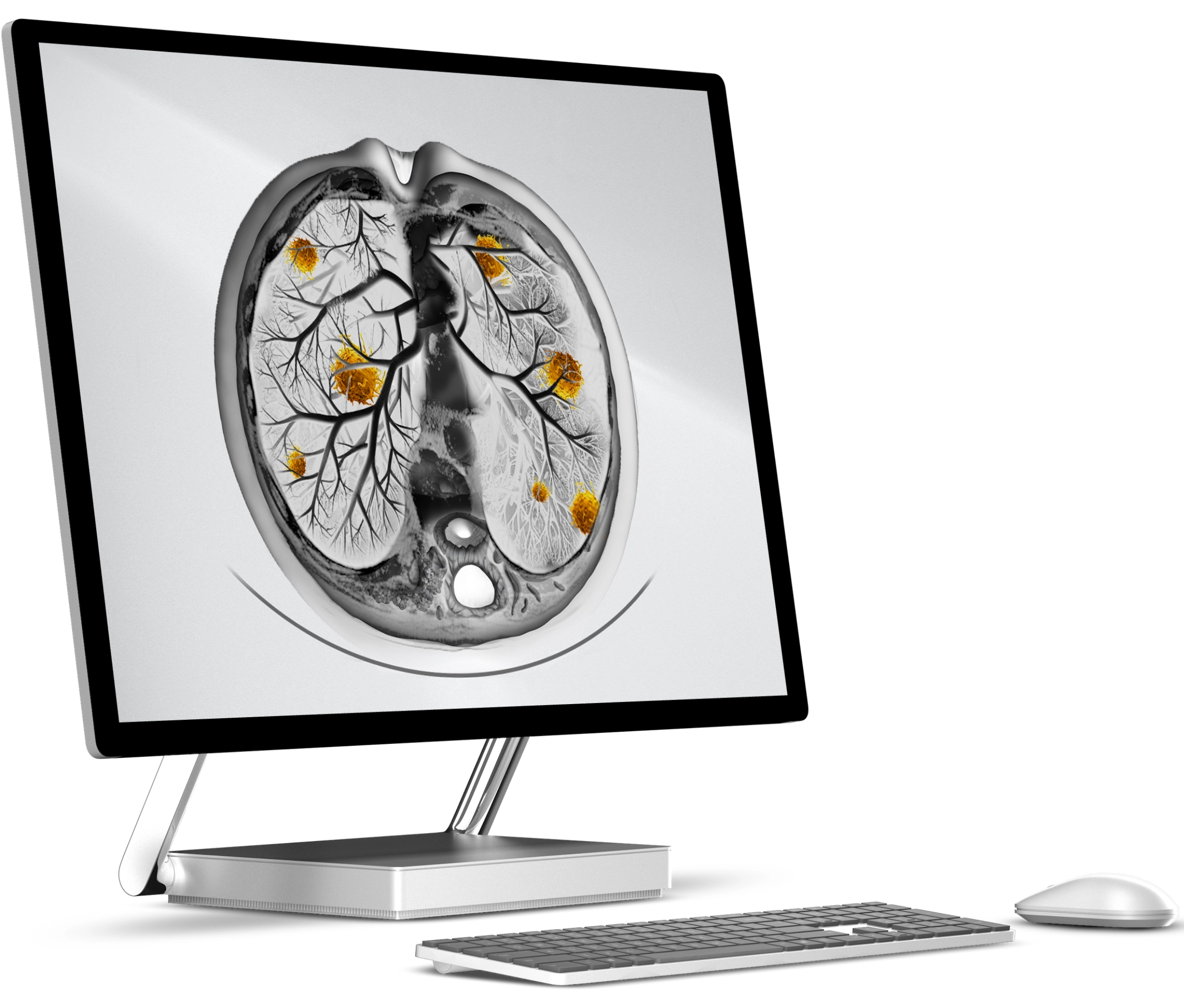
RAYSCAPE
LUNG CT
accurately, enabling effective lung cancer
detection and management.
AI TRAINED ON
104,132,397
IMAGES FROM ALL AROUND THE GLOBE



Discover how Rayscape works
integrate Rayscape
AI into
your hospital's infrastructure
and
improve both your
daily workflow and
patients' experience.










\\
\\
\\
\\
\\

As a radiologist, I value AI that simplifies decision-making without complexity. Rayscape Lung CT excels in detecting lung nodules with high precision, integrating effortlessly into our workflow for efficient lung analysis.
"As a radiologist, I value AI that simplifies decision-making without complexity. Rayscape Lung CT excels in detecting lung nodules with high precision, integrating effortlessly into our workflow for efficient lung analysis.
"